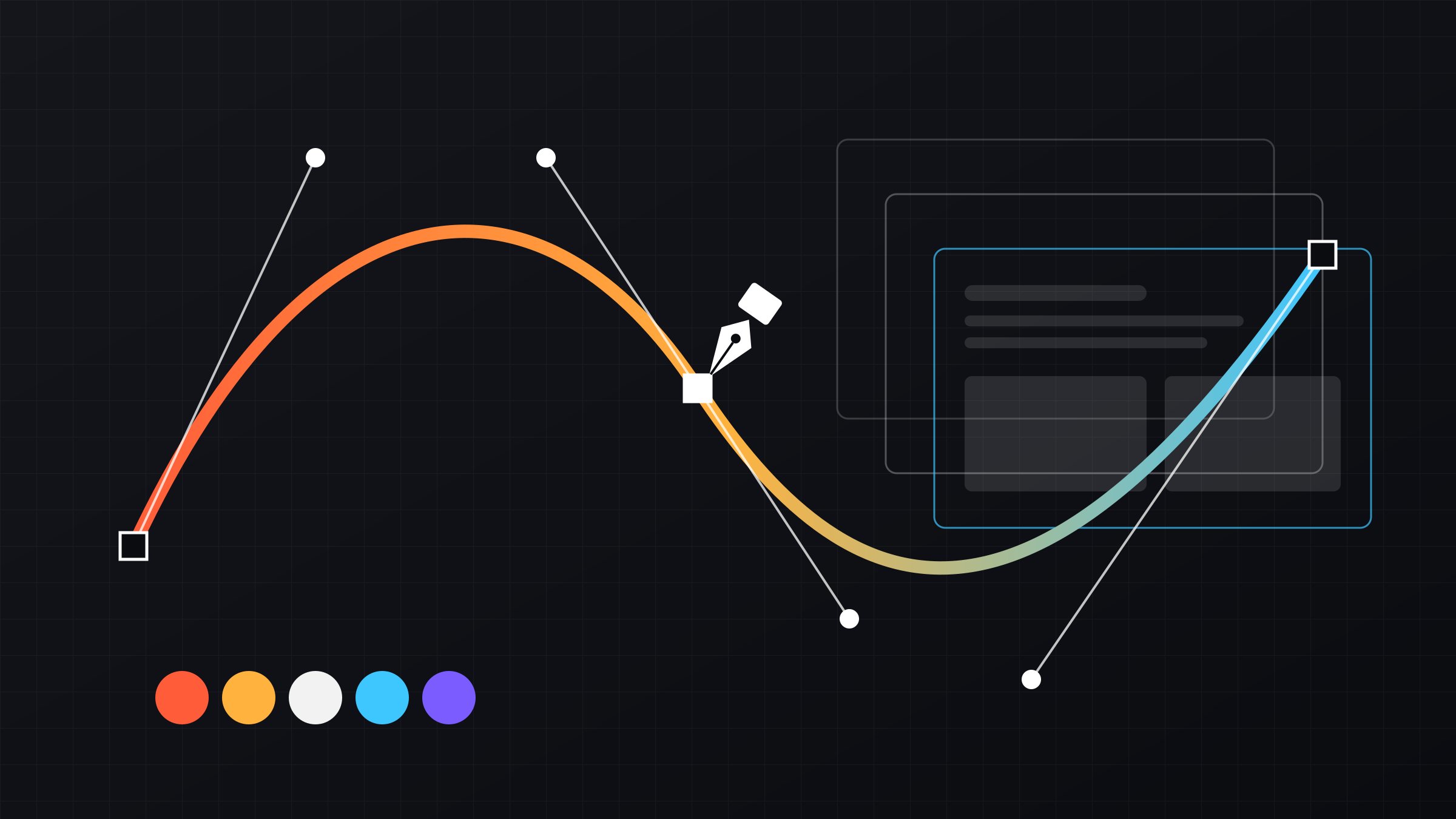
For a long time, doing design work meant paying Adobe. Logos and illustrations happened in Illustrator, photos in Photoshop, print in InDesign, and over the past few years Figma became the default for web and app interfaces. In 2026, every one of those tools picked up a serious challenger. There are professional apps that are now free, open-source tools that run in a browser, and AI that builds a screen when you describe it. The range of choices has widened quickly.
Price is part of what opened the door. In June 2025, Adobe renamed its all-apps plan Creative Cloud Pro, added generative AI features, and set the individual price in North America at $69.99 a month on an annual plan (Adobe’s Creative Cloud Pro announcement). For anyone who doesn’t use the AI, the bill simply went up. Plenty of companies have moved into that gap.
The biggest move came from Affinity, now owned by Canva. On October 29, 2025, Canva released a new Affinity that folds vector, photo and layout tools into one app, and made it free (Canva’s announcement of the new Affinity). The work you’d split across Illustrator, Photoshop and InDesign happens in a single app. A free Canva account is all you need to download it; the only paid parts are Canva’s AI features, such as generative fill and background removal. Canva said in February 2026 that Affinity had passed five million downloads (Canva’s Cavalry acquisition announcement).
A September update added JavaScript scripting for automating tasks and an improved RAW development engine (Canva’s ProSuite announcement). CG Channel reported it as version 3.3, with more than 60 new features (CG Channel’s Affinity 3.3 story). Canva said an iPad version would arrive in November.
Figma is reaching into some of Illustrator’s territory too. In May 2025 it announced Figma Draw, bringing illustration features into Figma: brushes, dynamic strokes, pattern and texture fills, and text on a path (Figma’s Figma Draw announcement). If you already design interfaces in Figma, you’ll open Illustrator less often for an icon or a small spot illustration. In our view, though, it isn’t ready to take over detailed print work or complex illustration.
The long-standing free option is Inkscape, which is open source. The current stable release is 1.4.4 from May, and a major 1.5 release is in the works (Inkscape’s release page).
For photo editing, Apple has joined Affinity as a serious contender. On January 13, 2026, Apple announced Apple Creator Studio, a subscription that bundles Final Cut Pro, Logic Pro, Pixelmator Pro and more, and launched it on January 28 at $12.99 a month or $129 a year (Apple’s Creator Studio announcement). Pixelmator Pro, Apple’s answer to Photoshop, came to iPad for the first time as part of the launch. The Mac version can still be bought outright, for $49.99.
The free tools also took big steps this year. GIMP 3.2 arrived on March 14 with two new kinds of non-destructive layers: link layers, which pull in an external image, and vector layers (GIMP’s 3.2 release announcement). For painting, Krita released versions 5.3 and 6.0 together on March 24 (Krita’s 5.3 and 6.0 announcement). Version 6.0 is an experimental release on a new foundation, and Krita itself recommends 5.3 for real work. And Photopea, which opens in a browser with nothing to install and reads and writes PSD files, remains popular for its convenience.
For photo development, the video editor DaVinci Resolve added a Photo page for still images in version 21, released in June (PetaPixel’s DaVinci Resolve 21 story). It works in the free version, but according to PetaPixel, exporting at full resolution requires the paid Studio edition.
Premiere Pro and After Effects have their challengers as well. DaVinci Resolve handles serious editing and color grading even in its free version, and the paid Studio edition is a one-time $295 purchase (Blackmagic’s DaVinci Resolve Studio page). Final Cut Pro and Motion are both part of Apple Creator Studio.
On the motion design side, Canva acquired Cavalry, a UK-based 2D animation tool, on February 23, 2026, and promised that everything free in Cavalry today will stay free (Canva’s Cavalry announcement). In September, Canva grouped Affinity, Cavalry, the data visualization tool Flourish and the AI image generator Leonardo.Ai under the name Canva ProSuite, and said the core of Affinity and Cavalry remains free (from the same ProSuite announcement). Photo, vector, layout, motion and generative AI: Canva is assembling, under one company, a lineup that maps onto most of Adobe’s.
In interface design, Figma has gone from challenger to the one being chased.
The most direct alternative is Penpot, which is open source. It runs in a browser, and you can host it on your own servers (Penpot on GitHub). Version 2.15 in April was devoted entirely to an MCP server that connects Penpot to AI agents (Penpot’s 2.15 release post), and the latest release is 2.19, from October 28 (Penpot’s dev diaries). You can bring Figma files over by exporting them with a Figma plugin and importing the result, but that’s meant for a one-time migration; the two can’t stay in sync (Penpot’s migration guide).
Sketch, the standard before Figma, is still shipping updates to its Mac app. Its Ghent release on November 17 added component variants and sections for organizing work, and renamed symbols to components (Sketch’s updates page). In other words, Sketch is converging on ideas that Figma made standard.
The bigger shake-up is coming from AI. On March 18, Google rebuilt Stitch, its AI interface design tool, and branded the new version “vibe design” (Google’s Stitch announcement). You work with an agent on an infinite canvas, and you can package your design rules into a file called DESIGN.md to hand to other tools. On April 17, Anthropic released Claude Design as a research preview. It makes prototypes and slides from a conversation, builds a team’s design system by reading its code and design files, and hands the result to Claude Code for implementation (Anthropic’s Claude Design announcement).
Investors noticed. Citing S&P Global Market Intelligence data, The Motley Fool reported that Figma’s stock fell 51.6% in the first half of 2026, and pointed to investor worry that AI could make design software less necessary (The Motley Fool on Figma’s stock).
None of this means the incumbents are weakening. Figma’s revenue for July through September was $391.4 million, up 43% from a year earlier (Figma’s third-quarter results). Adobe reported in September that revenue for its June-to-August quarter was $6.76 billion, up 13%, and that subscription revenue from creative and marketing professionals was $4.65 billion, also up 13% (Adobe’s third-quarter results). More alternatives haven’t stopped the originals from growing.
Adobe’s response has been to open up rather than dig in. At Adobe MAX on November 10, it previewed a way for people to direct the third-party AI agents of their choice to work in Photoshop, Illustrator, Premiere and After Effects on their own computers, with a private beta planned for early 2027 (Adobe’s MAX 2026 announcement). On December 1, Anil Chakravarthy becomes CEO, and Shantanu Narayen moves to executive chair (Adobe’s CEO transition announcement).
We read the growing list of tools less as Adobe losing and more as design work spreading to more people. Someone making social graphics every day, someone tidying up company slides, someone who wants a dozen prototype screens by the end of the afternoon: for them, there’s often a better fit than the whole Adobe suite. That’s the market most of these challengers are going after.
So should you switch? Our answer is that it depends on who you exchange files with, and which files.
If your printer or your clients expect Illustrator or Photoshop files, test real files from your own work in the new tool and check whether type and effects survive before you commit. If your work starts and ends with you or a small team, there are now many more situations where Affinity or Pixelmator Pro is all you need. If you design interfaces as a team, choose based on collaboration (comments, permissions, a shared design system) rather than on whether the tool can open a given file. And if your company wants its design data under its own control, Penpot, which you can run on your own servers, belongs on the list.
AI tools are unbeatable for speed at the prototype stage. But checking what comes out, refining it and keeping it true to the brand is still human work, which we wrote about in our look at how website building changed in 2026.
If you hire a studio, agree before you sign on which tool and which format the final design files will be delivered in. Files that aren’t locked to one tool make it much easier to change tools later, or to bring in a different studio.
We’re a web design studio in New York, handling everything from design and development to running sites after launch. If you’re weighing which tools to use, or how to hand off design files, get in touch.
 The Line Between Design and Code Is Disappearing: What Changed About How Websites Get Built in 202611/26/2026
 Six WordPress Plugins Were Backdoored. The Releases Never Shipped: How WordPress.org's Release Hold Stopped a Hijacked Developer Account11/26/2026
 One Employee's GitHub Account Reached Production: How Well Can You Protect Yours? Lessons From the 1Password Breach11/25/2026
 Nobody's Servers Were Breached. 178 Organizations Served Malware Anyway: Lessons From the Optimizely Snippet Hijack11/25/2026
 WordPress 7.1.5's "Unauthenticated RCE" Starts With an Admin's Click11/23/2026
 PHP Ships Fixes for 7 Critical Flaws: Which Servers First11/19/2026


43 W 33rd St, #202, New York, NY 10001
Phone: +1 (848) 281-7853
Email: info@supersonicdesign.com


